File Me
Rename, re-date, geo-tag, and AI-analyze your scanned photos and legacy files — all in one shot.
Download for macOSFree · macOS 10.15+ · Notarized by Apple
Rename, re-date, geo-tag, and AI-analyze your scanned photos and legacy files — all in one shot.
Download for macOSFree · macOS 10.15+ · Notarized by Apple
When you digitize old photos, collect files from different sources, or tidy up a folder, your files often have meaningless dates — like the scan date — no GPS location, and names with no temporal context.
Manually fixing filenames, filesystem timestamps, EXIF data, and GPS coordinates is tedious and error-prone, involving multiple tools like touch, mdls, exiftool, and Finder info panels.
File Me consolidates all of that into a single, visual workflow with three powerful capabilities.
Assign dates with drag-and-drop buckets and File Me updates the filename prefix, filesystem timestamps, and EXIF metadata — all at once. Supports year, month, or day granularity, file-to-file date copying, and batch operations on hundreds of files.
Search for a place, see it on a map, and write GPS coordinates into your photos' EXIF data. Create reusable location buckets for places like "Grandma's House" or "Lake Tahoe" and tag entire sets of photos with a single drag-and-drop.

Select your photos and let Claude analyze each image — recognizing recurring people, places, and events across your entire collection. The AI suggests descriptive filenames, estimates dates, and even writes a narrative summary of the story your photos tell.
✨ AI Image Analysis requires your own Anthropic API key. Paste it into Settings and you're ready to go — your key stays on your machine and is used only to talk directly to the Anthropic API.

Get up and running in under a minute.
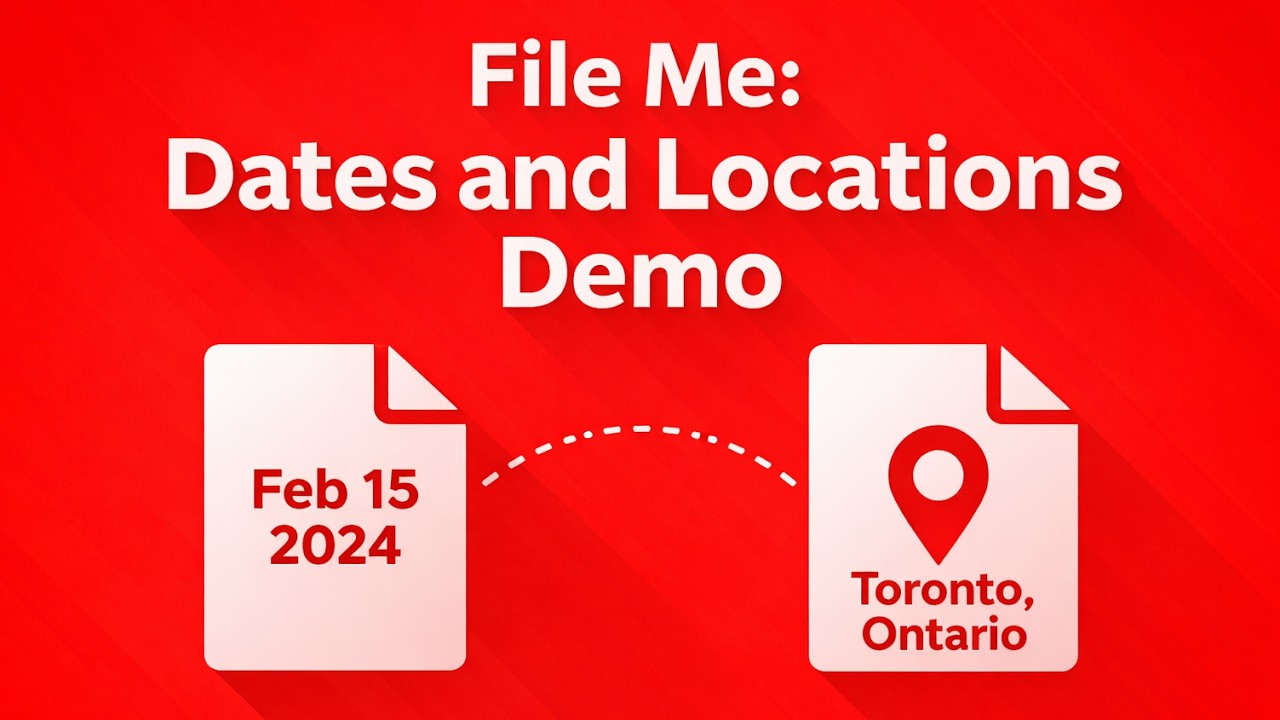
Drag-and-drop date and GPS editing in action.
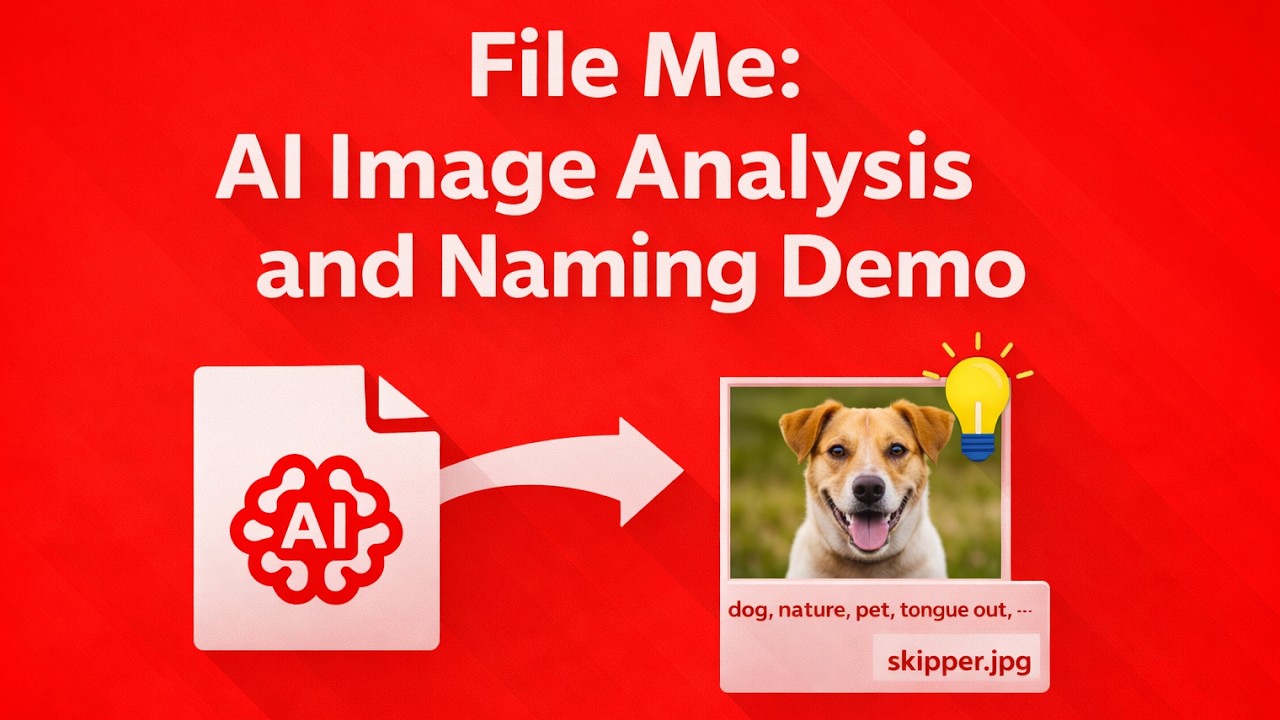
Watch the AI name and date multiple photos automatically.
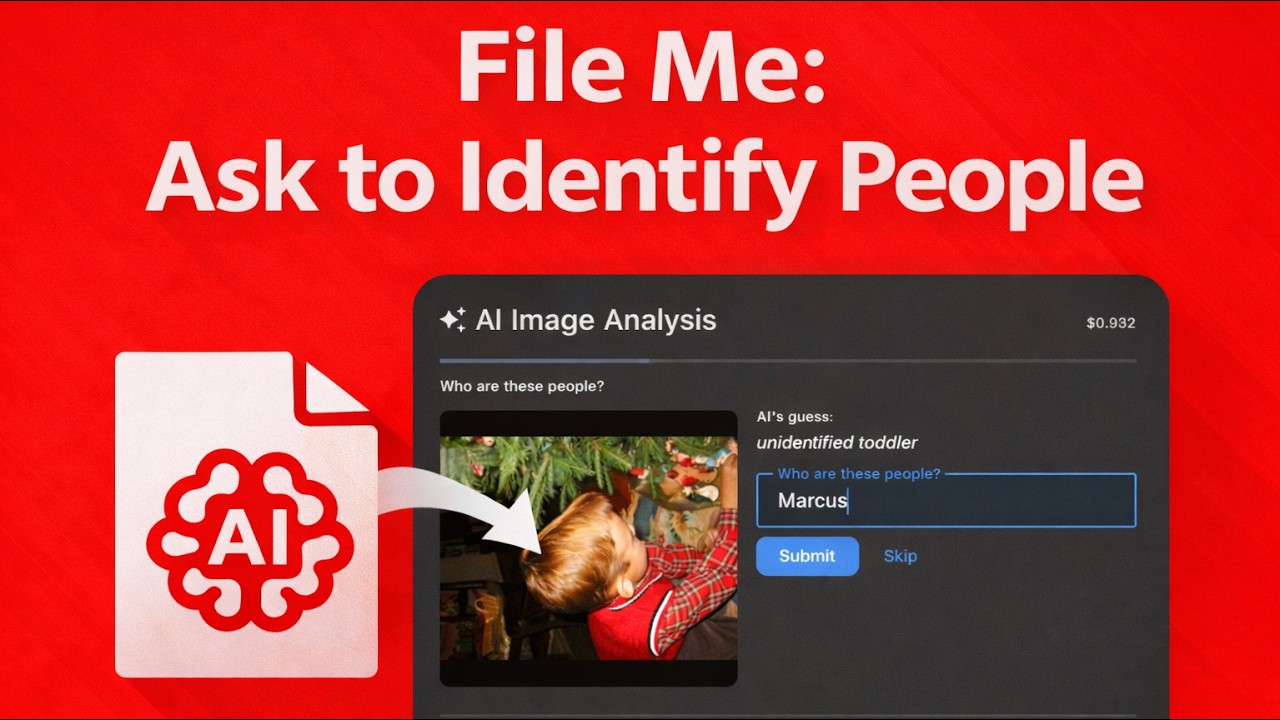
An optional setting asks the AI to prompt you when it encounters people it doesn't recognize. If confidence isn't high, it pauses to let you identify who's in the photo — and remembers for the rest of the batch.
Free · macOS 10.15+ · Notarized by Apple